8 Best Parent-Teacher Communication Apps in 2026: A Teacher's Honest Comparison
Which ones you can actually sign up for on your own, and which ones need your district's checkbook.
The Search for the Perfect Tool
If you have been teaching for more than a minute, you know the exact drill. Every year during back-to-school PD, someone suggests a brand new parent communication app. They stand at the front of the cafeteria and promise it will change your life.
It usually doesn't. It usually just gives you another password to forget.
I've spent too many hours setting up accounts, printing QR codes for parents, and trying to convince families to download one more piece of software onto a crowded phone. Most of these apps are built for administrators and districts. They're designed to look impressive in a sales meeting. They rarely account for what it's like to be the person standing in front of twenty-five kids with a nosebleed happening in the corner.
So when I rechecked all of these tools for 2026, I sorted them by the question that actually decides whether you can use one: can a single teacher sign up on a Sunday night, or does this need your district's checkbook?
That question turned out to matter more than I expected.
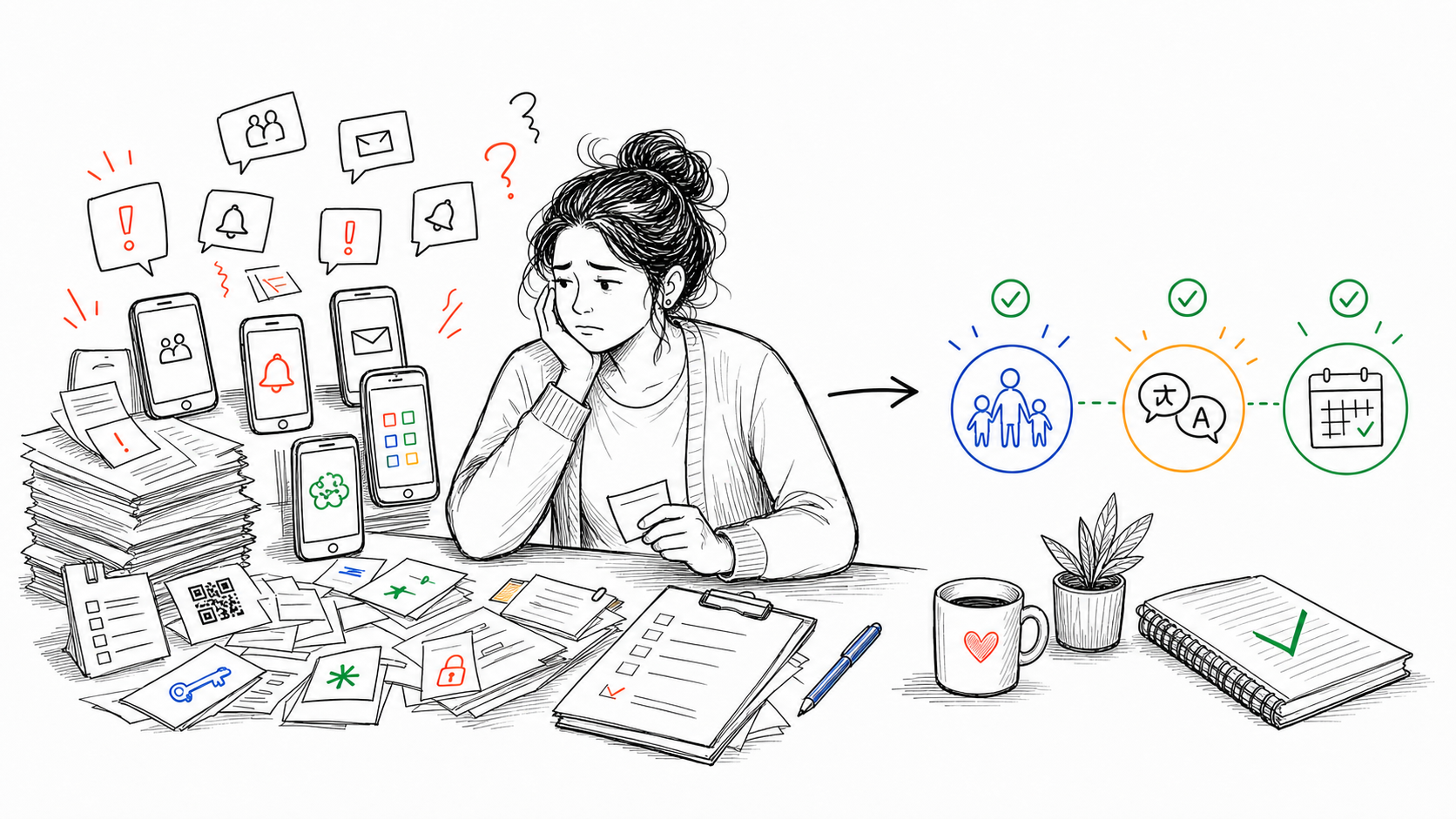
The thing that changed in 2026
The free-for-teachers era is closing.
Three of the eight tools below can no longer be adopted by an individual teacher at all. Seesaw states plainly that licenses are only available to schools or districts and that it does not offer paid teacher licenses. ClassTag, which was the go-to free option for years, sunsetted its free basic tier for individual educators in 2024 and now exists as SchoolStatus Connect, a district product. Bloomz is priced per student and sold to schools.
If you've been away from this category for a few years and remember it as "everything has a free teacher tier," that's no longer the landscape. Plan accordingly, because it changes which of these is even a real option for you.
Quick comparison
| App | Best for | Individual teacher can adopt? | Parents need an app? | Translation | Starting price |
|---|---|---|---|---|---|
| Remind | Fast messaging that reaches everyone | Yes | No, works by text | 90+ languages | Free (Chat) |
| ClassDojo | Elementary classroom culture | Yes | Account yes, app no | Yes | Free core |
| TalkingPoints | Multilingual families | Quote only | No, text-first | 150+ languages | Quote |
| ParentSquare | Districtwide communication | No, district only | No | Yes | Quote |
| SchoolStatus Connect | Districtwide, former ClassTag | No, district only | No | Yes | Quote |
| Seesaw | Student portfolios | No, school or district | Yes | Yes | Quote |
| Bloomz | All-in-one school platform | No, per student | No, app optional | 250+ languages | $3/student/yr |
| ShortHand | Documenting contacts you make | Yes | No, never | n/a | Free to start |
Prices and availability were checked against each company's own pricing page in 2026. Anything marked "quote" means the vendor doesn't publish a number and routes you to sales, which is usually a sign the product isn't sold to individuals.
How I judged these
Seven questions, in the order they actually matter to a classroom teacher:
- Can you adopt it yourself? No IT ticket, no waiting for an admin decision.
- Do parents need to install something? Every install requirement costs you families.
- Does it translate? In many buildings this is the whole ballgame.
- Is it fast enough to use during the day?
- Does it document anything, or does it only transmit?
- What does it actually cost?
- Does it survive past October?
I teach 3rd grade, so my read on all of this is elementary-flavored. A high school teacher managing 150 students across six periods has a genuinely different problem, and I'll flag where that changes the answer.
1. Remind
Best for: Any teacher who wants messages that actually get read, starting today.
Remind Chat is free for teachers, and it's the easiest yes on this list. Messages arrive as texts, so families don't download anything, don't create an account, and don't need Wi-Fi. It handles up to 100 classes with 5,000 participants each, and translates automatically into 90+ languages, including over text.
That "over text" part is the underrated bit. A translated message that arrives in the same place as texts from grandma gets read. A translated message sitting behind an app login does not.
Where it falls short: It's a megaphone, not a record. You can't attach a private note to a student, track a pattern over time, or log the phone call you made Tuesday. Remind tells you a message was sent. It doesn't help you six months later when someone asks what you did about a problem in October.
Choose it if: You want the highest-read-rate option that costs nothing and works for every family in your room.
2. ClassDojo
Best for: Elementary classroom culture and low-friction family updates.
Everyone knows ClassDojo. It's colorful, kids love the monsters, and the core experience (messaging, class points, class story) is free for teachers. For building a positive room culture in K-2, it's genuinely good at its job, and most families already have an account from a previous year.
One correction worth making, because it gets repeated a lot: ClassDojo doesn't require parents to download the app. It doesn't use SMS either, but parents can read and reply from the website. What it requires is an account, which is a lower barrier than an install but a real barrier compared to a plain text message.
Where it falls short: As a documentation tool, it's thin. A red minus point doesn't tell a parent what actually happened during the math block on Tuesday. When you're in a tense conference, pointing at fifty positives and ten negatives doesn't explain anything. It's a token economy, not a contact log.
Choose it if: You teach K-2 and want engagement and family visibility more than a paper trail.
3. TalkingPoints
Best for: Classrooms where families speak languages you don't.
TalkingPoints is built text-first specifically so it reaches families without apps, Wi-Fi, or email, and it covers 150+ languages using a mix of human and AI translation. If a meaningful share of your families are more comfortable in another language, this is the tool most obviously designed for your situation, and the text-first choice means the translation actually lands where people read.
Where it falls short: It doesn't publish pricing for individual teachers, and the site routes you to a demo or a quote. That usually means it's sold at the school or district level, so this may be a "bring it to your principal" option rather than something you start Sunday night.
Choose it if: Translation quality is your central problem and you have a path to getting your school to pay for it.
4. ParentSquare
Best for: Districts standardizing communication across every school.
ParentSquare sells three tiers (Engage, Engage Premium, Engage 360) with add-ons for websites, payments, and attendance. It does two-way messaging, mass notifications, and classroom communication well, and it's built for consistency across a whole district.
Where it falls short: For the purposes of this list, the relevant fact is simple. Every tier routes to "contact sales," and it's sold to schools and districts, not teachers. You can't adopt this on your own.
Choose it if: Your district already bought it. Then use it, and don't add a second system on top.
5. SchoolStatus Connect (formerly ClassTag)
Best for: Districts already inside the SchoolStatus ecosystem.
Worth including mainly because so many teachers remember ClassTag as a free option and go looking for it. That version is gone. SchoolStatus acquired ClassTag, the free basic tier for individual educators sunsetted in 2024, and individual teacher subscriptions ended along with it. The product now lives on as a district platform.
Where it falls short: Same as above. It isn't a teacher-level choice anymore.
Choose it if: Your district runs SchoolStatus. Otherwise, this one's a dead end and I'd rather tell you that than pad the list.
6. Seesaw
Best for: Student portfolios and showing families what learning looks like.
I teach third grade and I like Seesaw for student work. Kids photograph a math worksheet, draw on it, record themselves explaining their thinking, and families get a real window into the classroom. For that purpose it's excellent and well-loved for good reason.
Where it falls short: Two things. It's now school-or-district licensed, with no individual teacher plan. And for private teacher-to-parent conversation about behavior or academic struggle, it's the wrong shape. When I need to document that a student has struggled with peer interactions three days running, that does not belong anywhere near a portfolio families browse.
Choose it if: Your school has it and your goal is celebrating and sharing student work.
7. Bloomz
Best for: Schools that want announcements, behavior, portfolios, and scheduling in one platform.
Bloomz is broad. Announcements, two-way messaging, conference scheduling, volunteer sign-ups, PBIS behavior tools, portfolios, and translation into 250+ languages. If a school wants one system instead of five, Bloomz can genuinely cover the ground.
Pricing is now per student per year, starting at $3 for Essentials and rising to $9 for the full 360 tier, with annual minimums for smaller schools. The individual "Teacher Premium" plan that used to anchor this product is no longer what's on offer.
Family reach is a real strength here and I had this wrong for a while: Bloomz sends by app, email, SMS, and voice at every tier, with the app optional on the family side. It doesn't hinge on parents installing anything.
Where it falls short: Breadth is the tradeoff. The interface carries every one of those features at once, which is a lot to navigate when you want to log one quick thing between reading groups. And it's a school-level purchase, so it isn't a decision you make alone.
Choose it if: The decision is being made at the school level and the school wants one platform for everything.
8. ShortHand
Full disclosure: I built this one. Not because I set out to start a software company, but because none of the tools above solved the specific problem that kept biting me.
Here's that problem. Every app on this list is built to send. None of them is built to help you remember. I'd notice something at 10:23 in the morning, plan to contact the parent, and by dismissal the detail was gone. Then at a conference or an IEP meeting somebody would ask what happened in October, and I'd be reconstructing weeks from memory and half-finished sticky notes.
So ShortHand is not a messaging platform, and I want to be straightforward that it doesn't compete with the seven tools above on their own ground. It has no announcement feed, no mass messaging, no parent login, no portfolios, and no translation. If what you need is to tell thirty families that tomorrow is crazy sock day, use Remind. If you need translation, use TalkingPoints. If your district runs ParentSquare, use ParentSquare.
What ShortHand does is the part that happens before and after the message. You tap a student's name, dictate one sentence about what just happened, and it's dated and filed under that student in under ten seconds. After a phone call, you log the call: timestamped, with a summary and whether follow-up is needed. When it's time to write the parent, it drafts the message from your own notes instead of a blank page. And when a parent says "nobody ever told me," you have the date, the summary, and what was decided.
That narrowness is deliberate. The reason the record is fast to search is that there's nothing else in it.
Where it falls short: It's not a communication platform, and it won't replace one. Most teachers who use it are running it alongside whatever their school already requires.
Choose it if: Your problem isn't sending messages, it's remembering what happened and proving what you communicated.
Try ShortHand free. No IT approval, no credit card.
Picking by situation
You want something today, for free, that reaches everyone. Remind. Nothing else on this list clears that bar as cleanly in 2026.
Your families speak languages you don't. TalkingPoints, if you can get it funded. Remind's 90+ languages over text is the free fallback and it's a good one.
You teach K-2 and want classroom culture. ClassDojo, same as it's been.
Your district already bought something. Use it. ParentSquare, SchoolStatus Connect, Bloomz, and Seesaw are all reasonable when someone else is paying and everyone's already on it. Adding a parallel system creates work, not less of it.
You keep getting caught without documentation. That's a different problem from communication, and it's the one I built for. Log the contacts you're already making, in ShortHand or in a free parent communication log if you'd rather keep it on paper.
The honest summary: most teachers don't need a better way to send messages. They need a way to remember what they sent, and to whom, and what was said back. Pick the messaging tool your families will actually read, then keep a record of the contacts that matter.
If you want more on the documentation side, I wrote about how to document parent contact as a teacher and the best parent communication apps for documentation specifically.
Gregory Lebed is a 3rd grade teacher with 20+ years of K-8 experience and a former Registered Behavior Technician (RBT).
Frequently Asked Questions
Stop trying to remember everything.
Try ShortHand Free →